Aura Wedding Knowledge Centre
How to Create a Digital Wedding Invitation
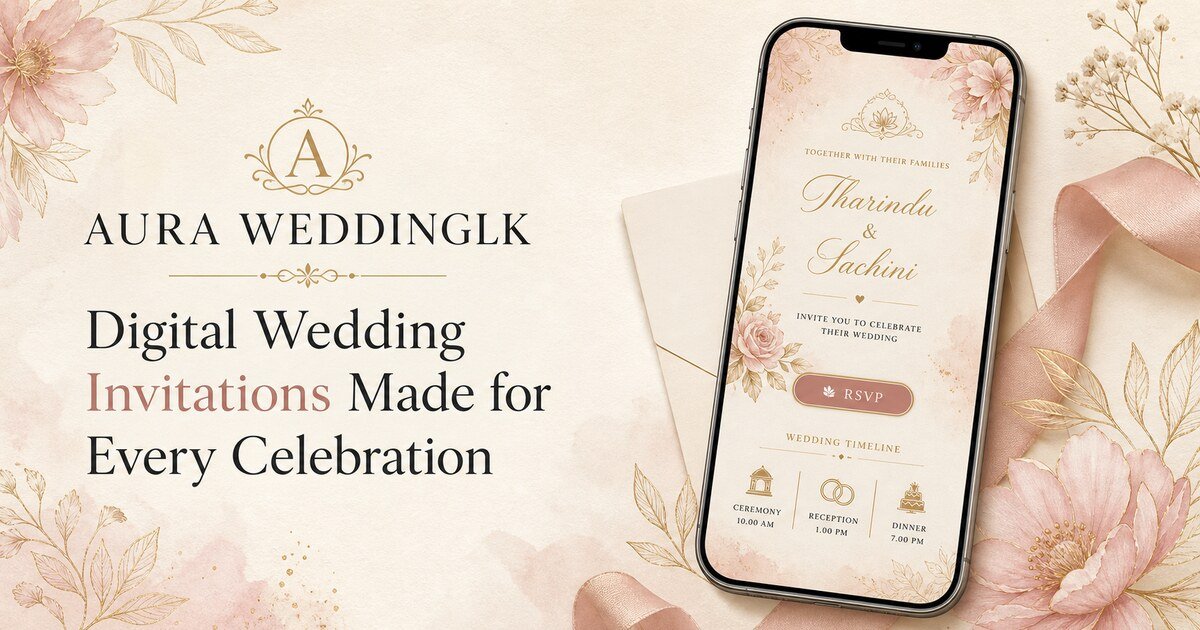
Start with the couple’s names, wedding date and welcome message. Add each event with its venue and agenda, then review the real guest preview before publishing private links.
Keep the guest journey simple
Review before publishing or confirming
Clear answers
Questions couples ask before they begin
How do I Create a Digital Wedding Invitation?
Start with the couple’s names, wedding date and welcome message. Add each event with its venue and agenda, then review the real guest preview before publishing private links.
One connected platform
From the first invitation to the final memory
Aura keeps private invitations, multiple events, guest access, RSVP, seating and wedding media connected without asking guests to install an app.
Create a wedding experience your guests can open anywhere
English, Sinhala and Tamil · No guest app required · WhatsApp-ready
Create Your Wedding